The Activation Card is a great opportunity to use the Spiralista app during the card’s validity period. This card will let you fully test the functionality of the app and discover its benefits. Follow the instructions below to start using the app in a short time.
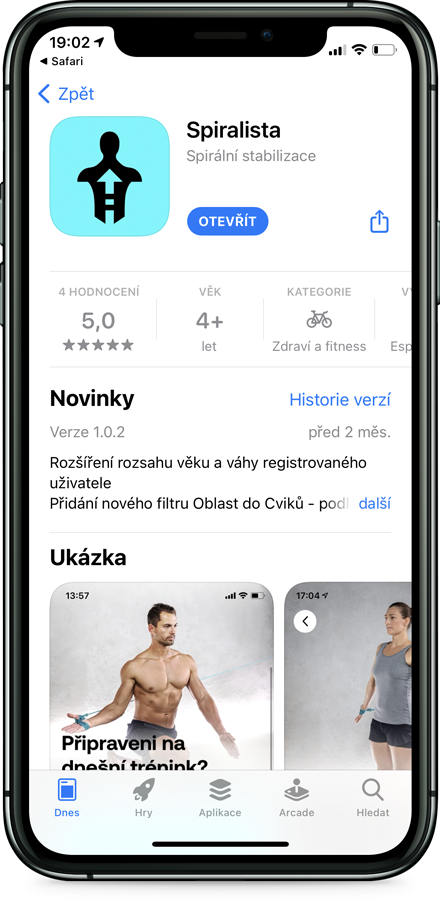
1. Download the app
Download the app from the links below depending on your device’s operating system (iOS / Android). After downloading and launching the app, register or log in using your Apple ID, Google or Facebook. The app is then normally accessible, except for video exercises and workouts


2. Enter the code
Go to the “My Progress” tab in the bottom right of the main menu and select Settings (the gear icon in the top right corner). Select “Promo Code” in the Settings menu, enter the code and press the “Confirm” button. You can find the code on the Activation Card.
3. Enjoy the app
After entering the valid code, press the button to return to the app. You can now use the app without restrictions during the coupon validity period. When the coupon expires, you will be notified of the end of the validity period. There is no automatic transition to a subscription.