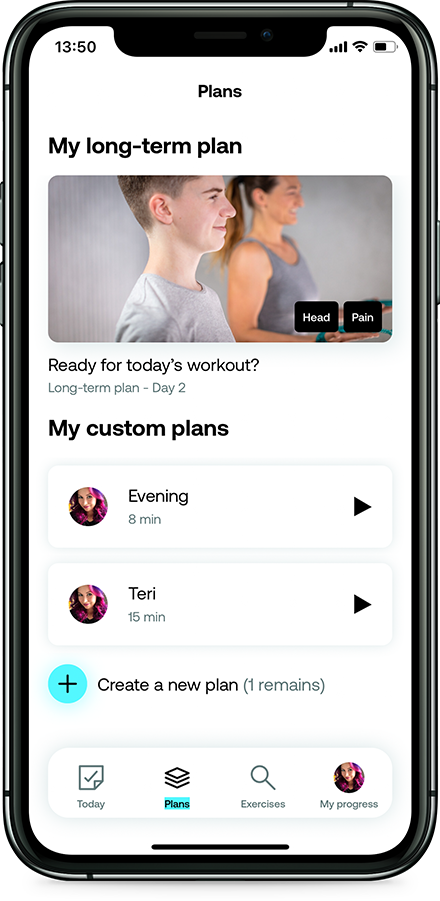
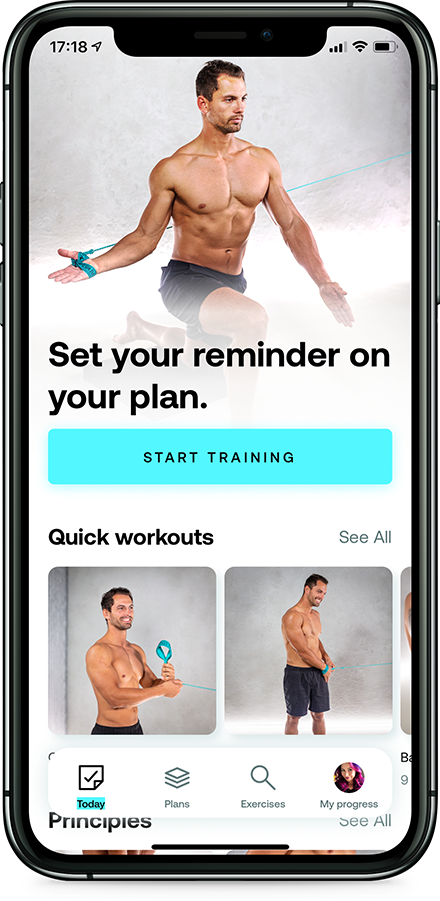
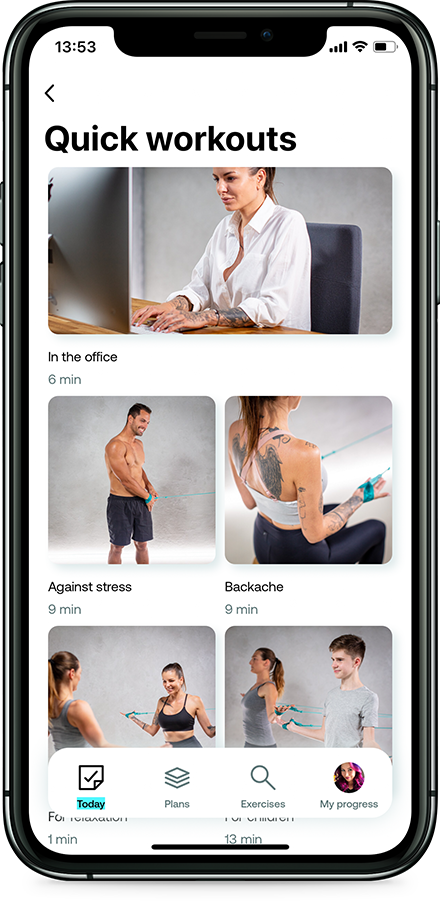
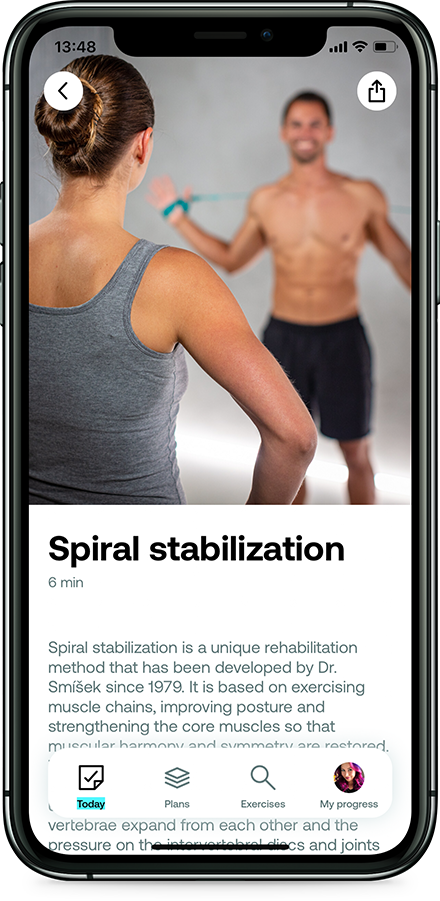
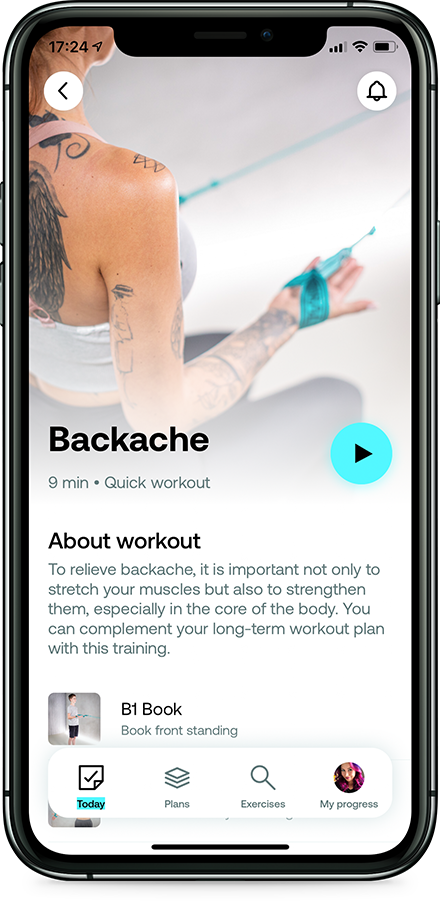
Spiral stabilization is a unique rehabilitation method that has been developed by Dr. Smíšek since 1979. It is based on exercising muscle chains, improving posture and strengthening the core muscles so that muscular harmony and symmetry are restored.
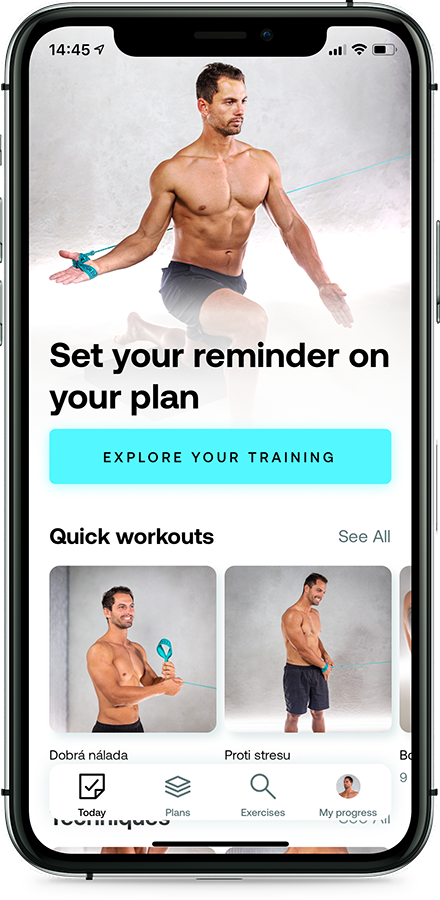
With the smart Spiralista app, you can exercise every day, whether you're at home, at work or on holiday. Just turn on your personal training and get started.
The Spiralista app comes with an account on the website. Sign in with the same e-mail and see your training the way it never fits on a phone.
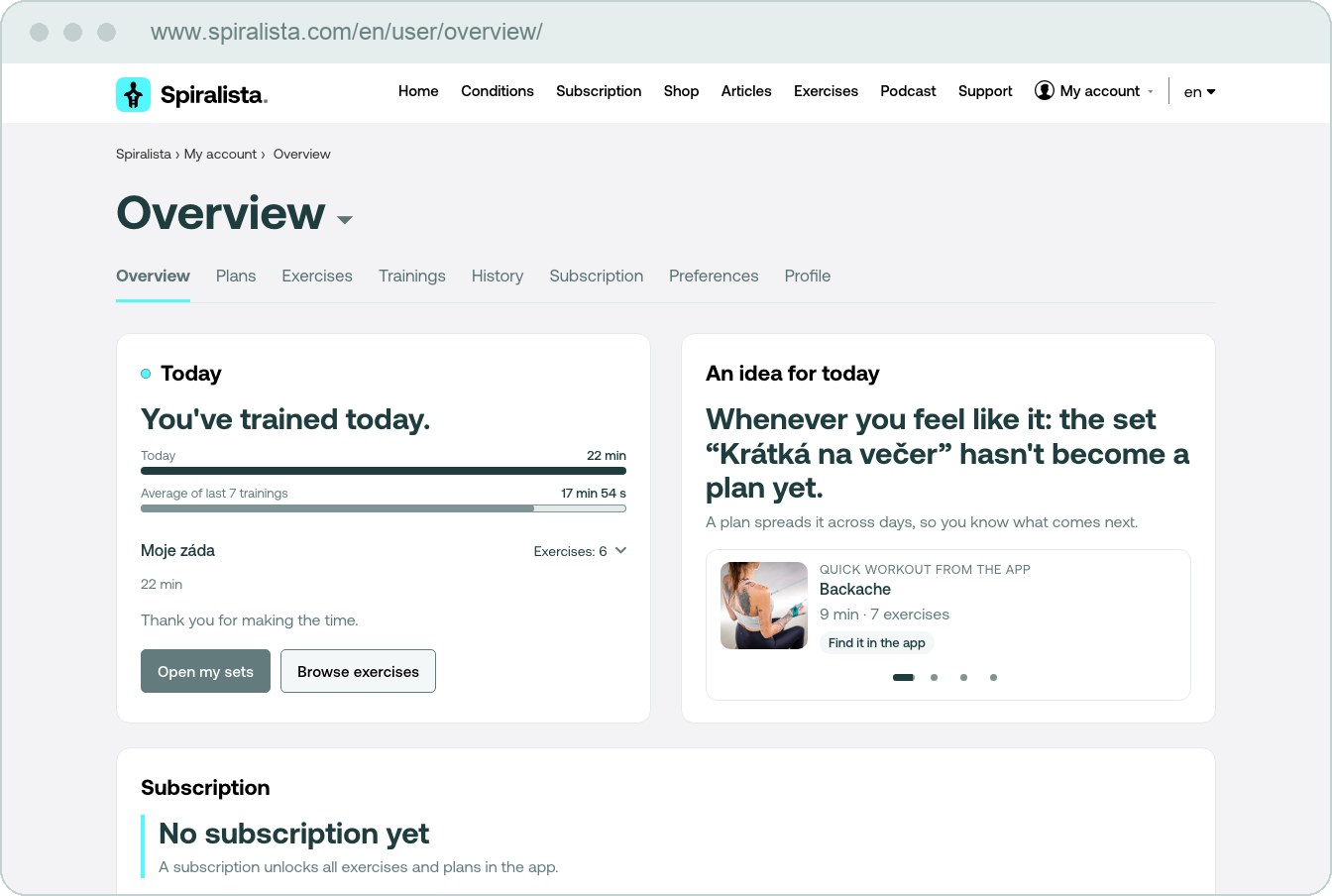
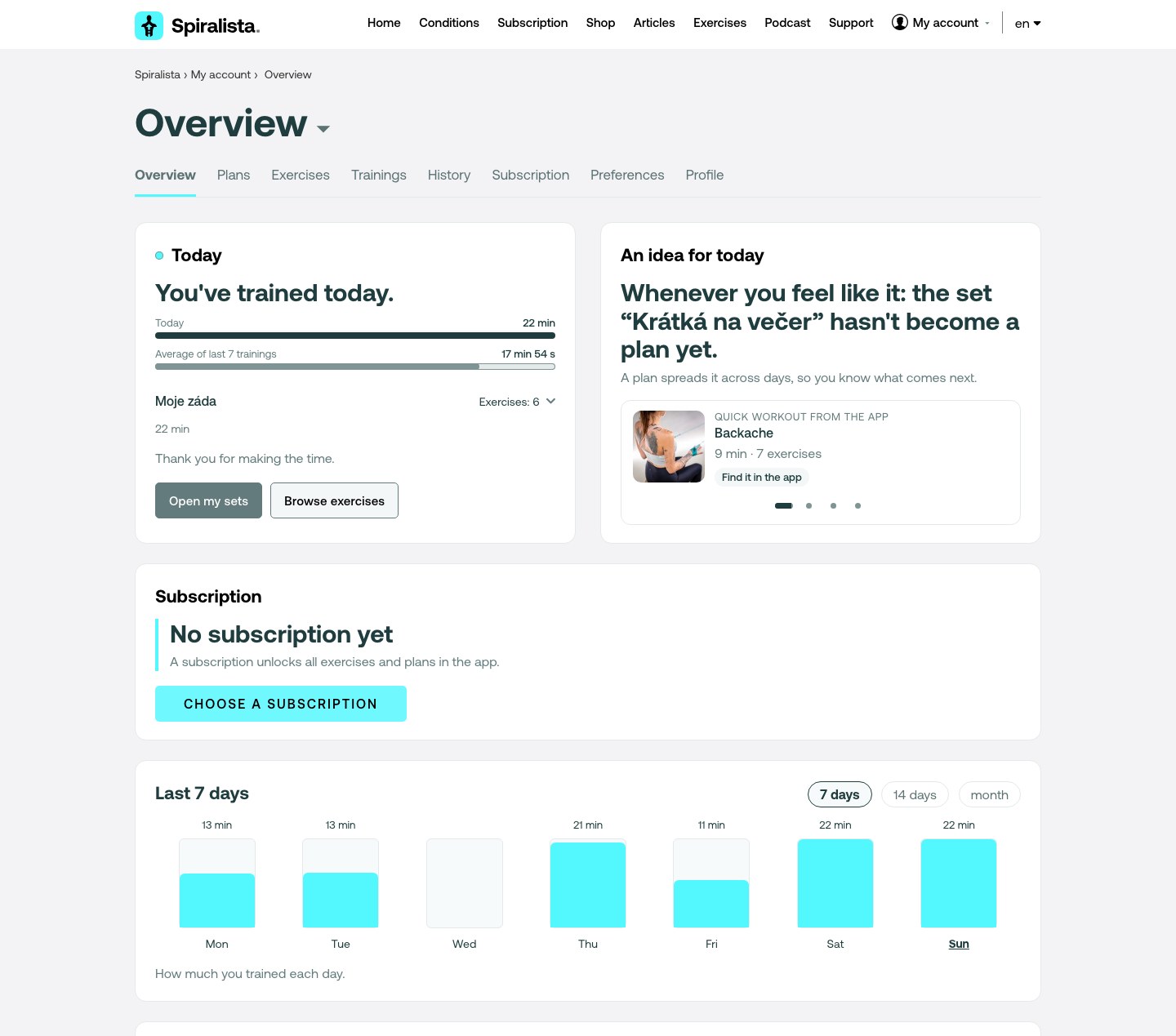
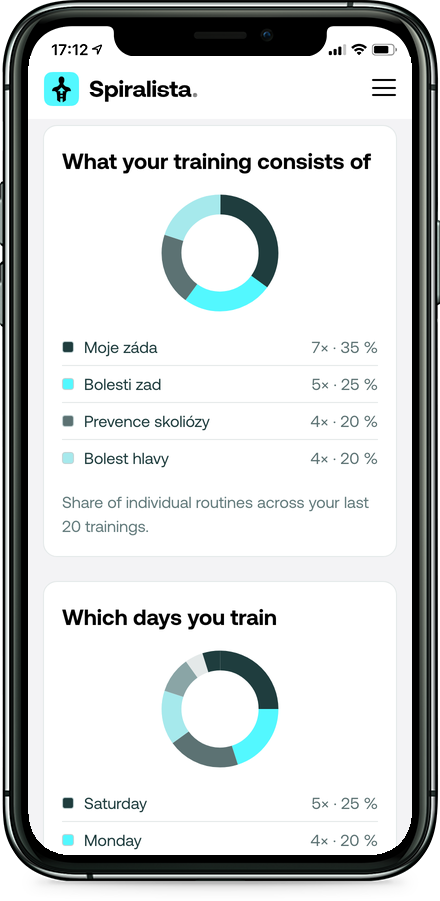
The same data on your computer and on your phone. On a big screen you also get the charts and summaries that no display can hold.
Today's training, your streak of days in a row, the average length and a chart of the last 7, 14 or 30 days. Nothing to count yourself.
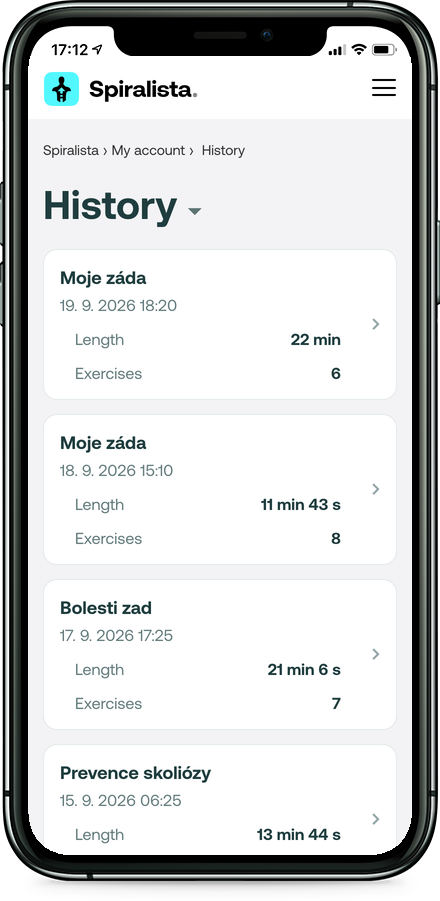
Every completed training with its date, length and list of exercises. From the detail you go straight to the exercise in the catalogue.
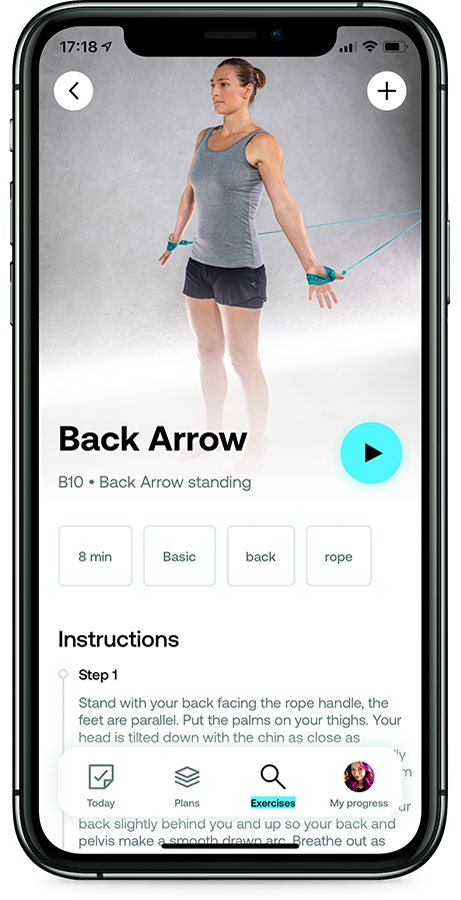
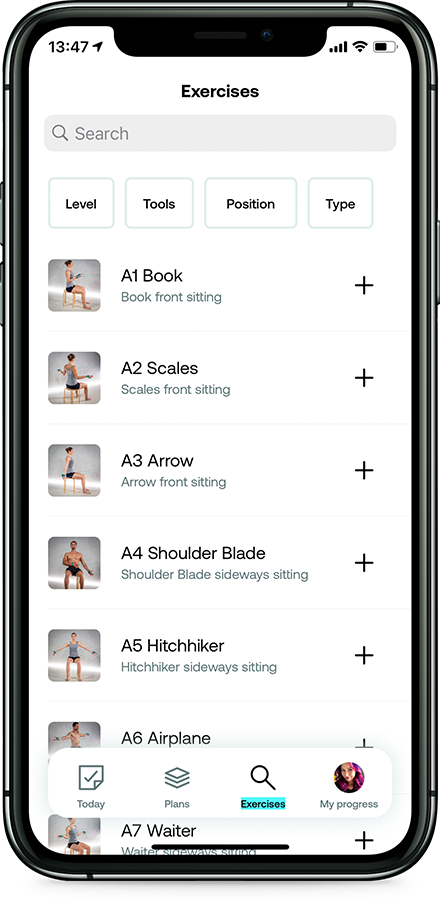
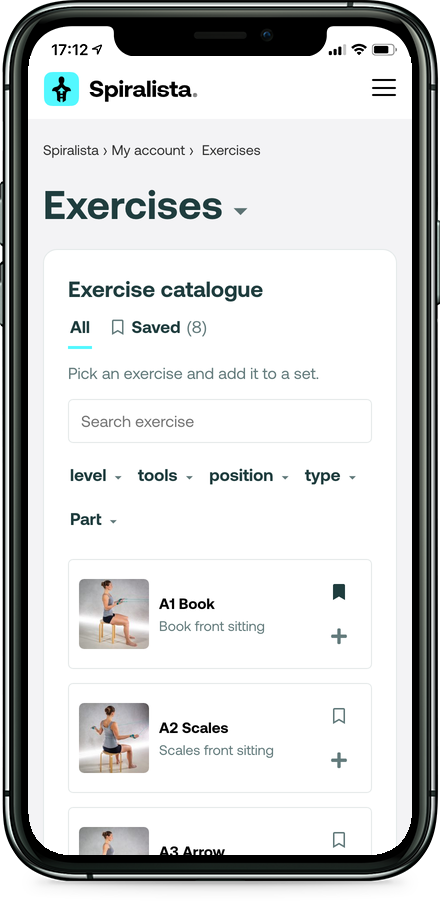
One hundred and sixty-four exercises by level, props, position, type and body area. Whatever you want to keep for later, you simply save.
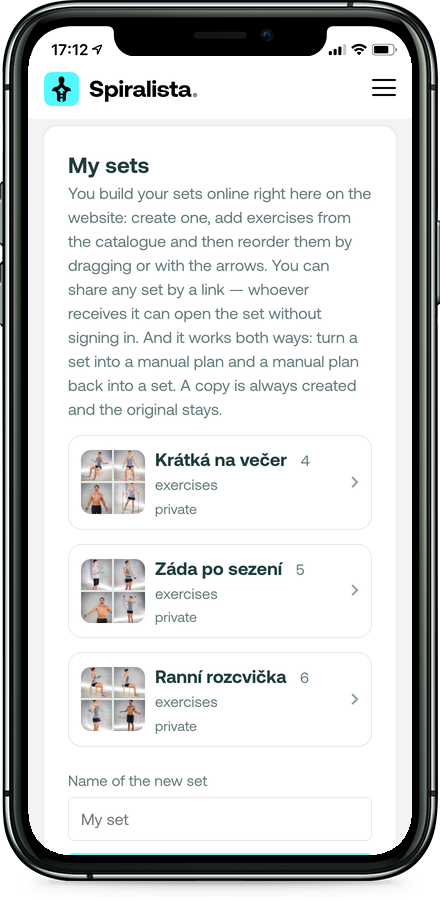
Pick exercises from the catalogue, reorder them and share the set by a link — whoever receives it can open it without signing in.
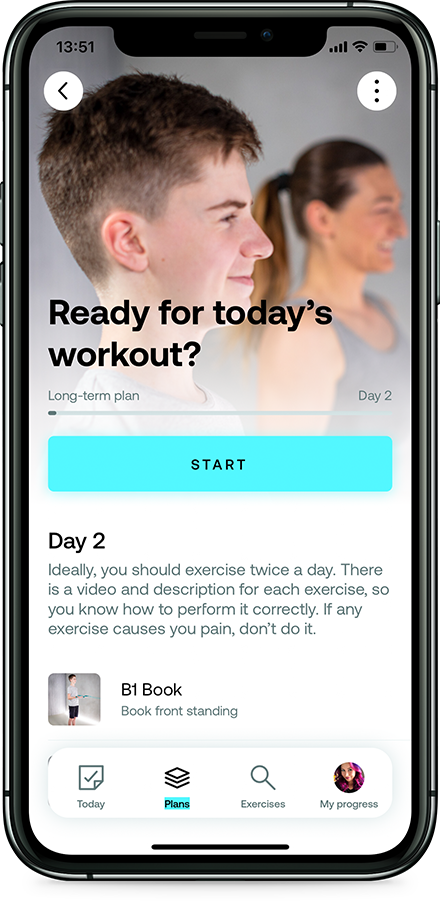
Long-term and manual plans alike. You turn a set into a plan and a plan back into a set; a copy is always made, the original stays.
Exercises — search, filters, saved
Sets — you build them and share by link
History — every training with its exercises
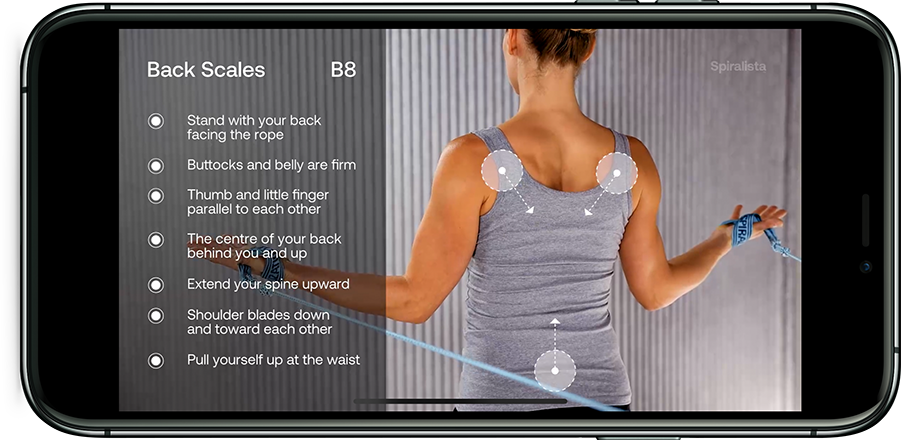
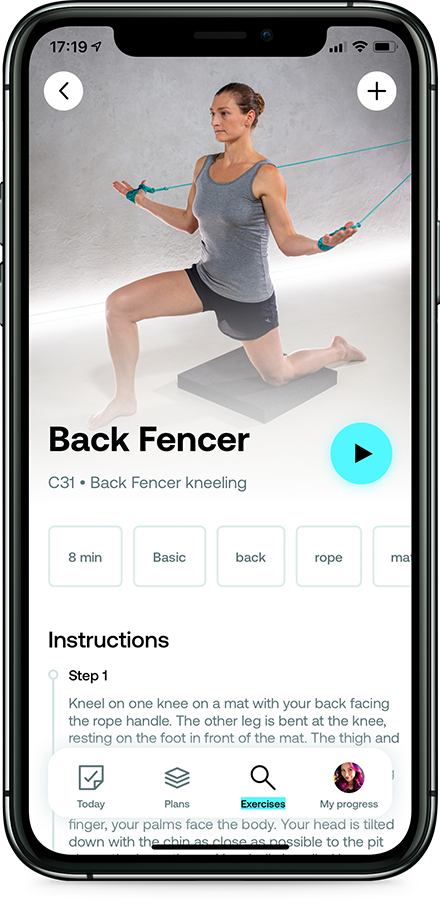
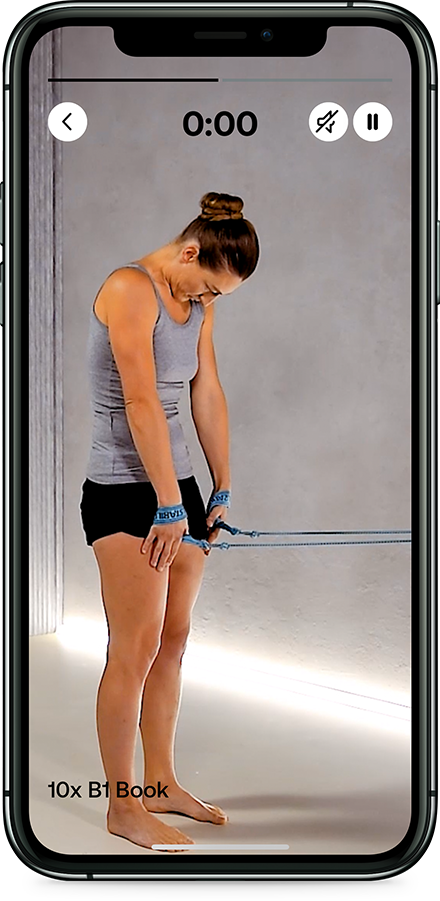
To make your trainings as effective as possible, the application includes a detailed video for each exercise. Illustrative visualization shows movement sequences.
Detailed video exercises are designed for precise understanding of each exercise before you start your workout.
Illustrative visualization contributes to faster learning of your exercises and principles of this exercise technique.
A big screen fits what a phone display does not. Your account on spiralista.com gives you an Overview with today's workout, your day streak and a chart of the last 7, 14 or 30 days, the whole History of the workouts you have done, and the exercise catalogue with search and filters.
The account and the app are not two things — you exercise on the phone and look at it on the web. Nothing is copied anywhere and you never have to decide where to do what. Open my account.
The account is free. You can create one and sign in without paying and without entering a card. Until you have a subscription, the Overview says “No subscription yet” and offers a Choose a subscription button.

The exercise catalogue and creating your own sets are free as well. The subscription is about exercising in the app — what it costs and what it unlocks is on the Subscription page.